DNP3 master and outstation on your Mac.
No Parallels. No Windows.
The only native macOS app that does DNP3 master polling and outstation simulation: binary and analog I/O, counter inputs, class 0/1/2/3 polling, event buffering, and time sync. No VMs, no CLI wrestling.
Screenshots
See it in action
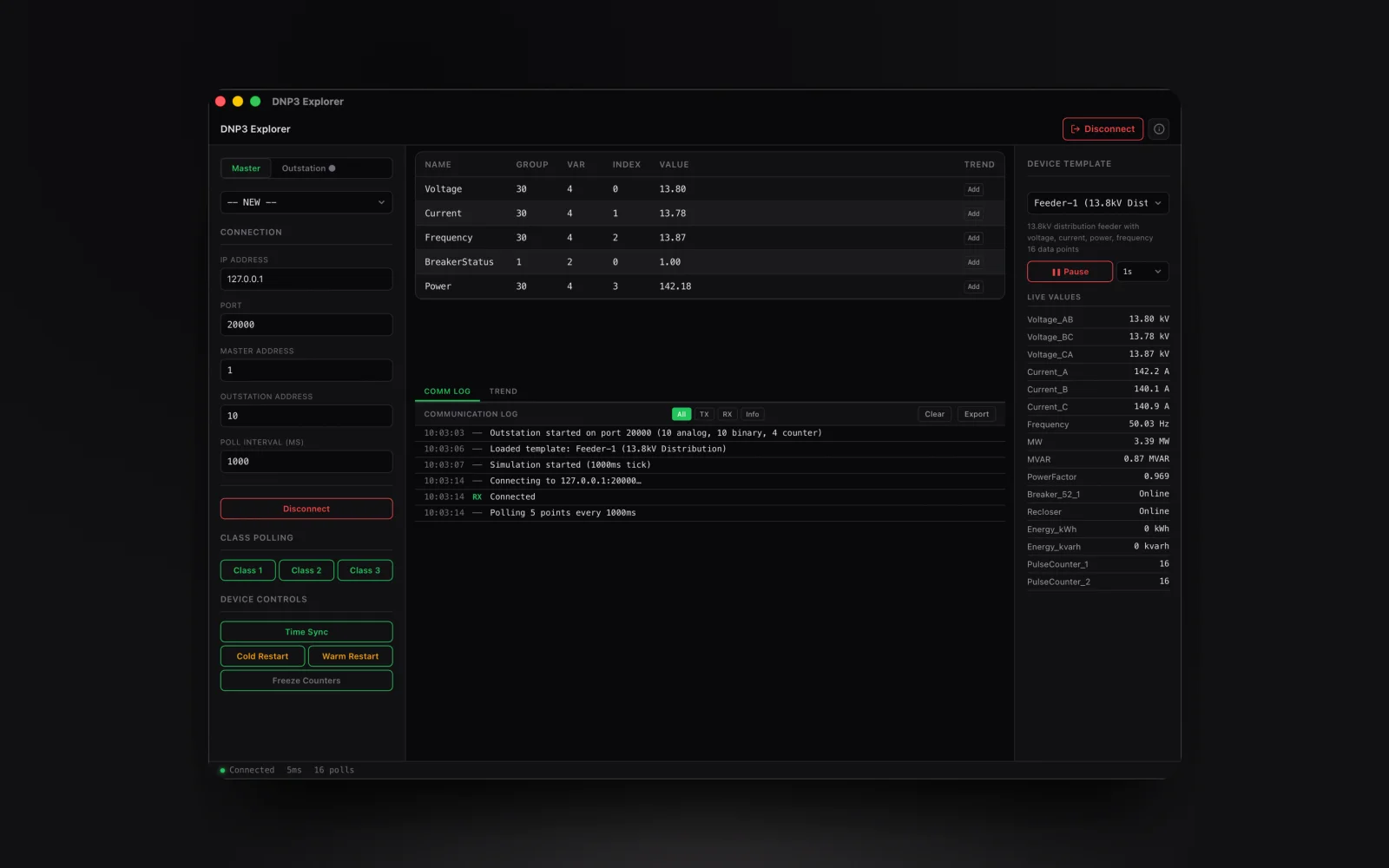
Master mode: poll outstations for binary inputs, analog inputs, counter inputs, and more with live value updates.
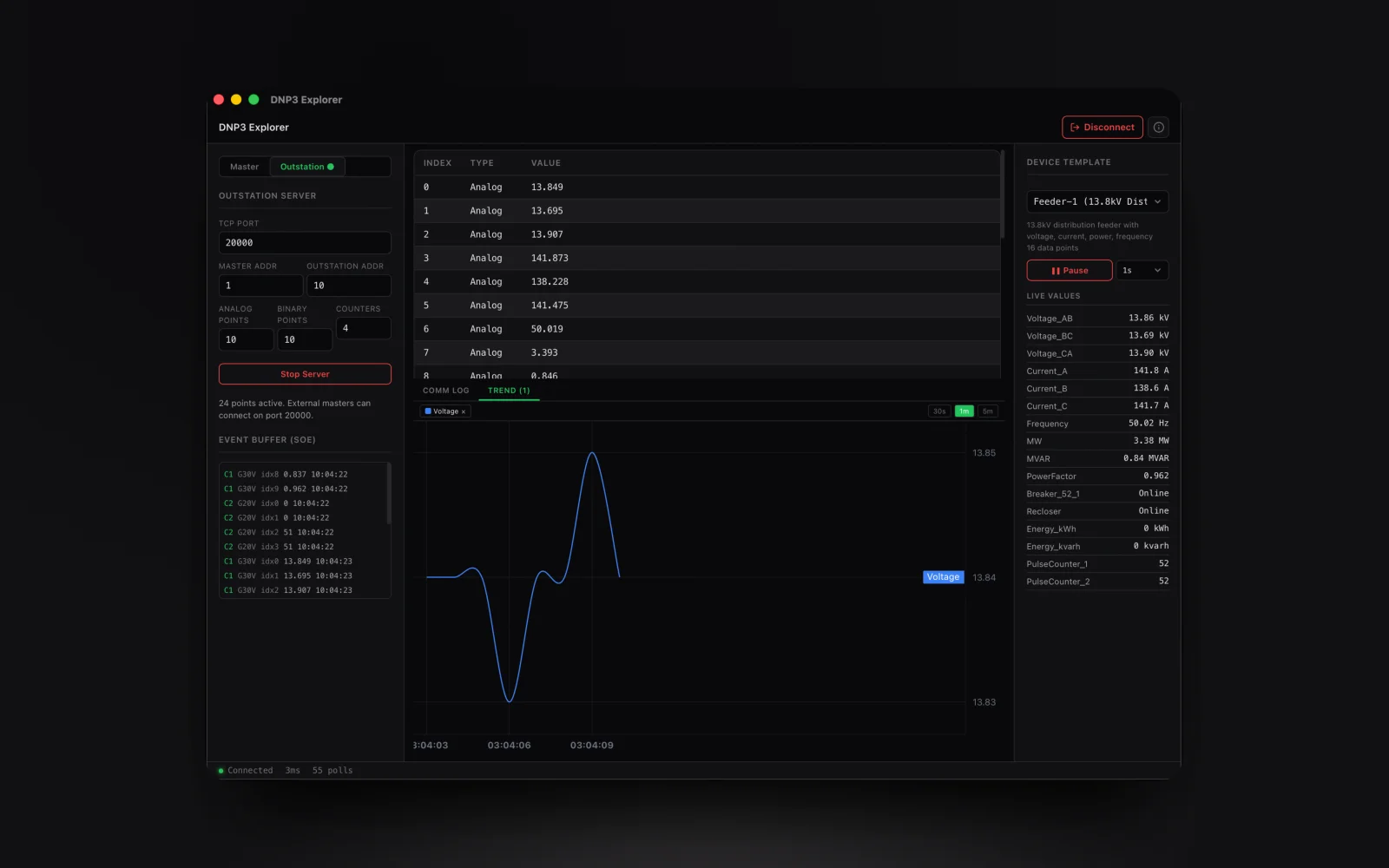
Outstation mode: simulate a DNP3 device with configurable binary and analog points for testing without hardware.
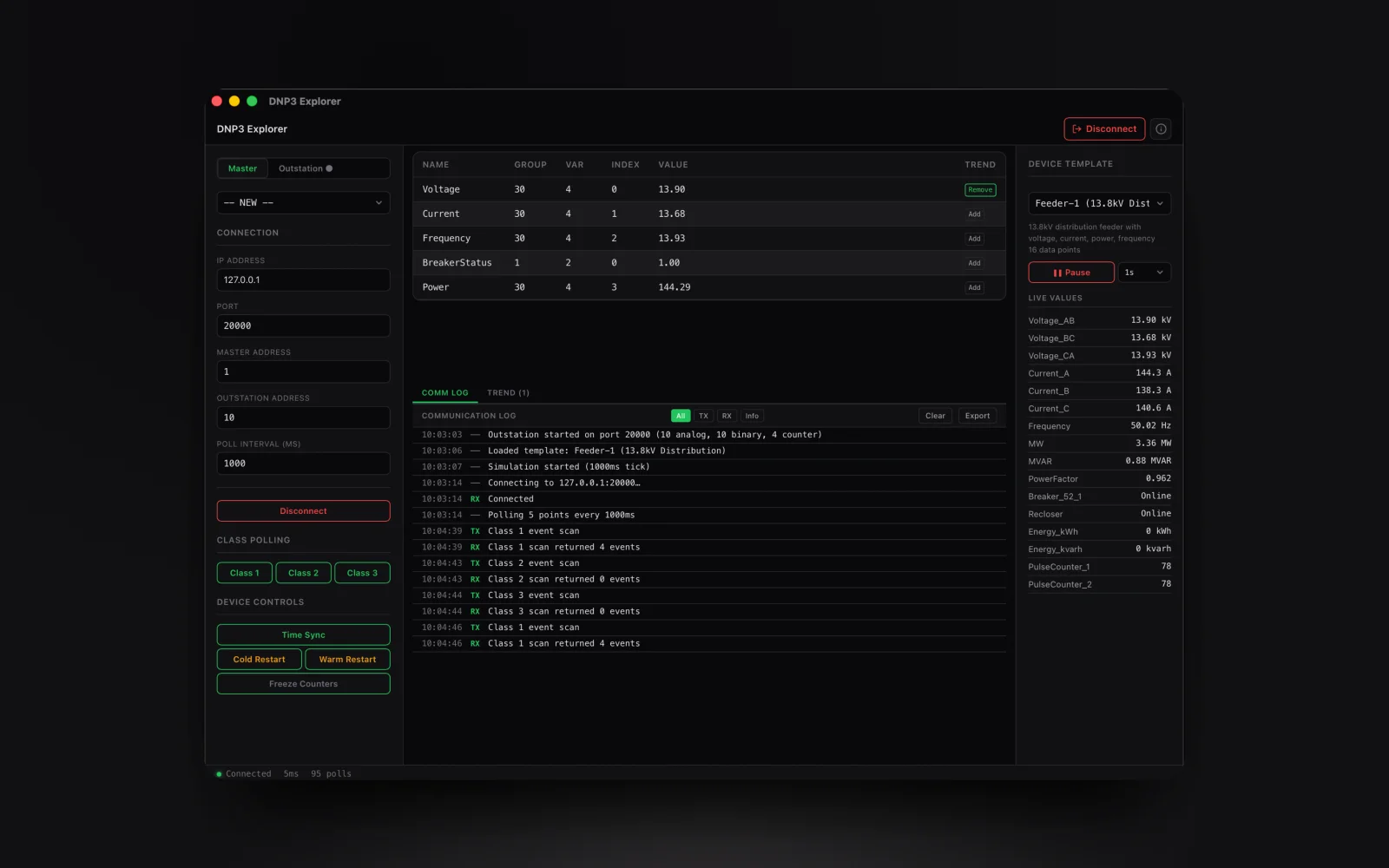
Class 0/1/2/3 polling: scan for events by class, view buffered events with sequence-of-events timestamps.
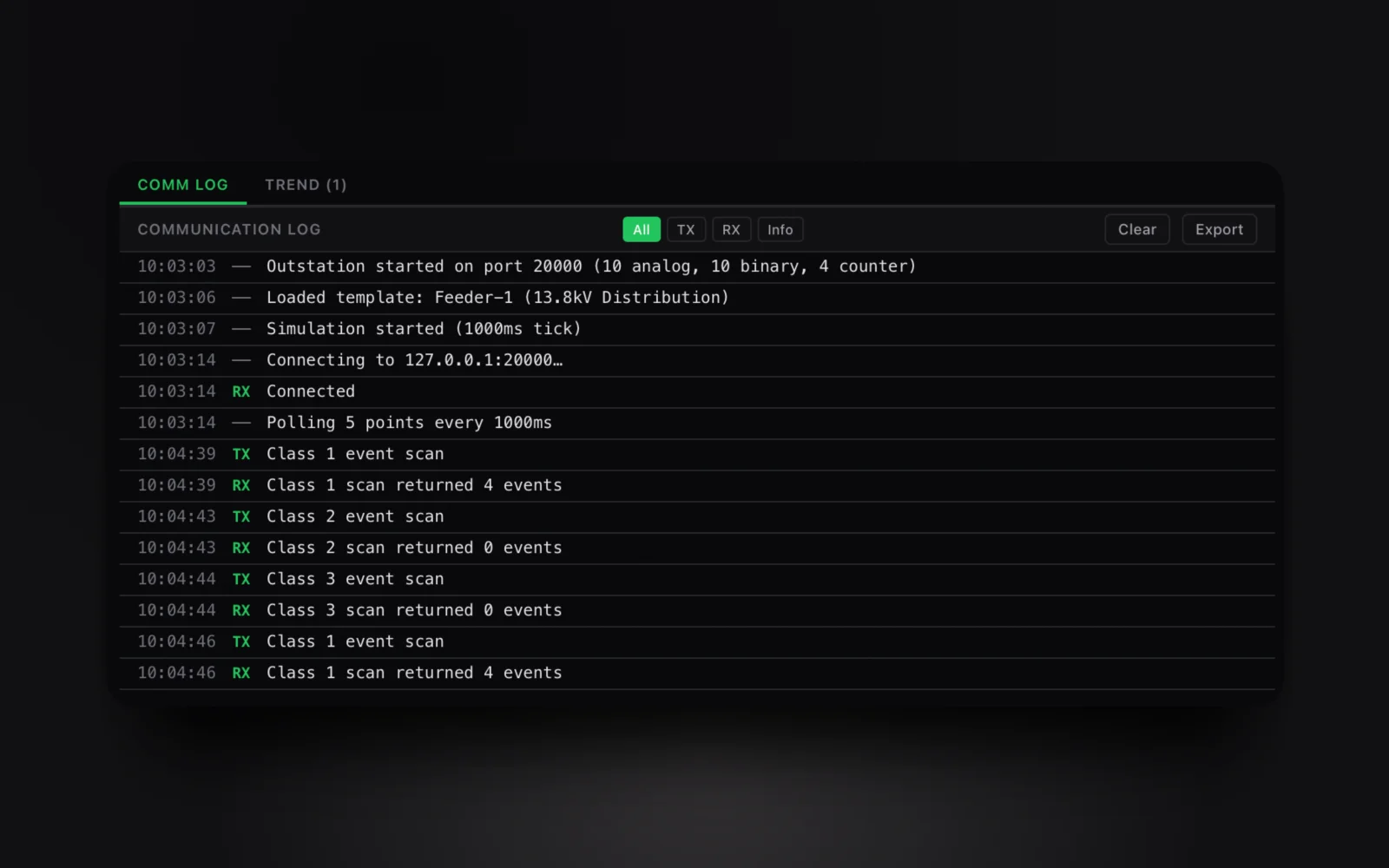
Traffic capture: record every DNP3 frame, decode application layer, filter TX/RX, and export to CSV.
01: Features
Everything you need. Nothing you don't.
A native DNP3 tool that covers master polling, outstation simulation, all point types, class polling, event buffering, and time sync, all in one app. No subscriptions. No Electron. No Java.
DNP3 Master Mode
Connect to any DNP3 outstation over TCP. Configure master address and outstation address. Poll at custom intervals. Read all point types: binary inputs, binary outputs, analog inputs, analog outputs, and counter inputs.
DNP3 Outstation Simulation
Simulate a DNP3 outstation to test your master/RTU/SCADA system without physical hardware. Configure binary and analog points, counter inputs, and event generation. Responds to integrity polls and event scans.
Binary Input / Output
Monitor and control binary (digital) points. Binary inputs with single-bit and double-bit variants. Binary outputs with control relay output blocks. Support for flags like online, restart, comm lost, and forced.
Analog Input / Output
Read and write analog points: 16-bit and 32-bit signed and unsigned, and floating-point variants. Monitor voltages, currents, pressures, temperatures, and other process values with live value updates.
Counter Inputs
Track counter input points with freeze operations. Monitor pulse accumulators, energy totals, and flow totals. Freeze counters on demand or on time intervals. 16-bit and 32-bit counter variants.
Class 0/1/2/3 Polling
Full class-based event polling. Integrity poll (class 0) for complete point scan. Event poll (class 1/2/3) for time-critical, medium, and low-priority events. Configurable event class assignment per point.
Event Buffering
Outstation mode buffers events with accurate sequence-of-events recording. SOE timestamps, event flags, and value changes are all captured. Test your SCADA's event processing without physical RTUs.
Time Synchronization
Send DNP3 time sync commands to outstations. Perform cold restart and warm restart operations. Verify your RTU's clock accuracy and restart behavior from your MacBook.
Traffic Capture & Export
Record every DNP3 frame (request and response) with timestamps and full decode. Filter by direction (TX/RX), expand any frame for detail, export to CSV. Debug link layer and application layer issues.
Licensing
Need classroom, laboratory, or organization-wide licensing?
Voltrus offers Academic Lab, Team, and Enterprise Site licenses from $299 one-time: one invoice, multi-seat usage, offline native apps.
See Academic & Enterprise OptionsmacOS Native
Stop paying for Parallels.
Get a native DNP3 tool: master & outstation included.
Own another Voltrus tool? Claim 20% off your next purchase.
02: FAQ
Common questions
Stay Updated
Get notified about new features & updates
We add new point types, protocol features, and platform support regularly. No spam: only product updates.
Also from MacTools